

Installation
Claude Sessions Explorer is available on the VS Code Marketplace and can be installed with a single click. You can also install it manually from a .vsix package downloaded from GitHub Releases.
- VS Code Marketplace: Search for Claude Sessions Explorer in the VS Code Extensions panel, or install directly from the Marketplace:
Install from Marketplace - Manual Install: Download the
.vsixpackage from GitHub Releases, then install via the VS Code command palette (Extensions: Install from VSIX...):
Loading... - Requirements: VS Code 1.90+, Claude Code CLI installed
Key Features
Session Browser
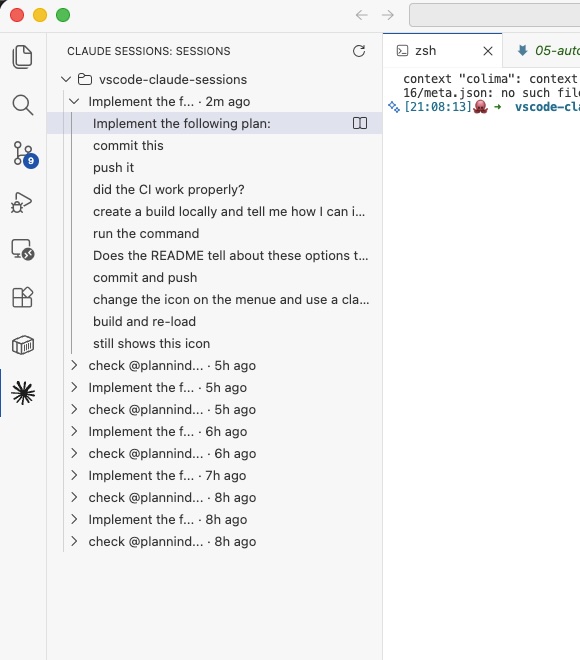
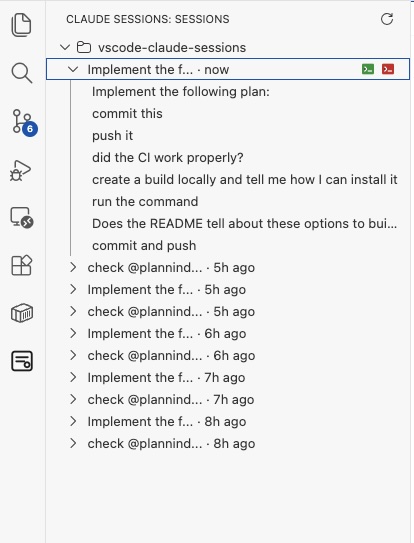
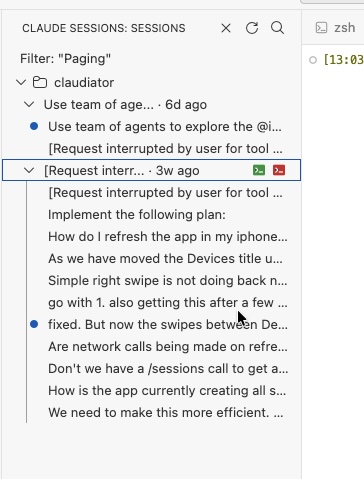
Browse all Claude Code sessions for your workspace in the Explorer sidebar
Prompt History
View every user prompt from each session with timestamps
Search & Filter
Search across all sessions and prompts by keyword
One-Click Resume
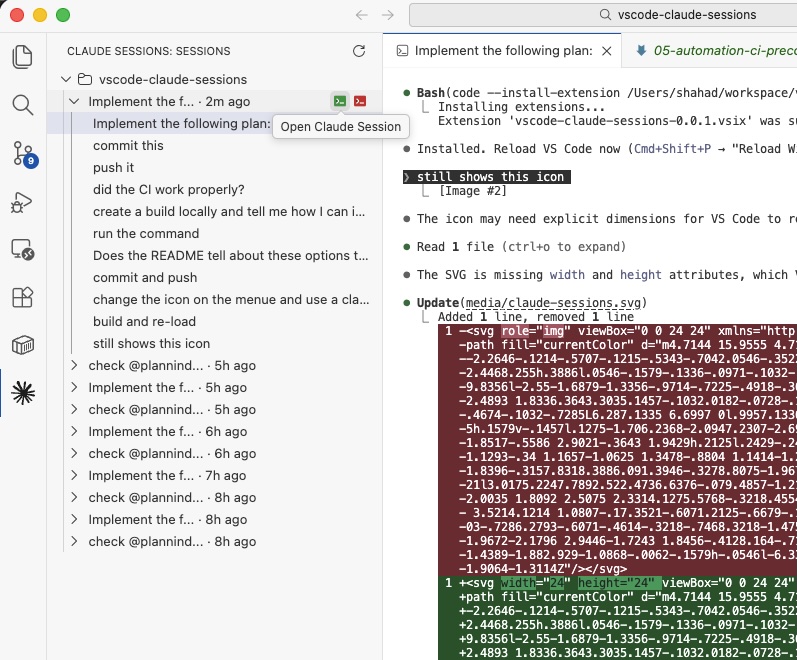
Resume any session in the VS Code terminal with a single click
Prompt Preview
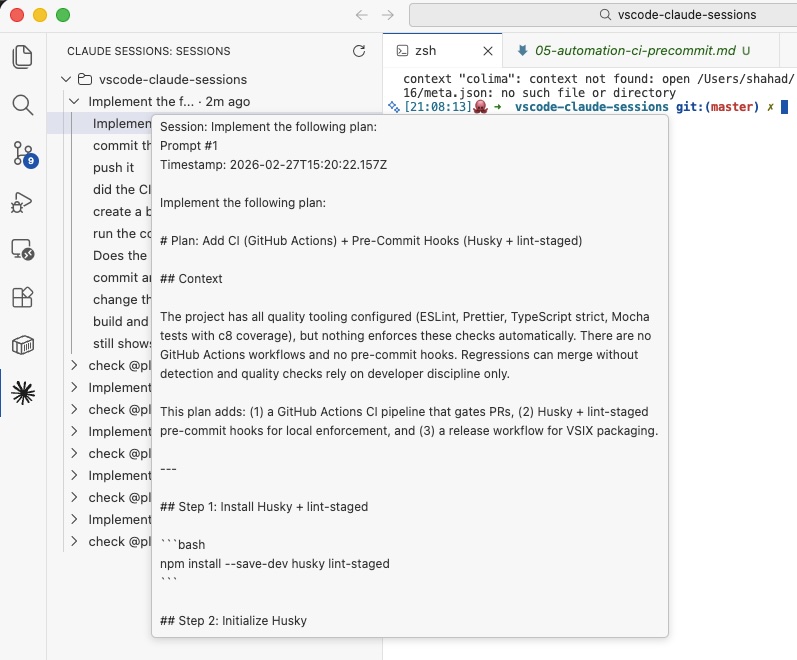
Open full prompt content in a dedicated read-only preview panel
Lightweight
Zero runtime dependencies, reads directly from local Claude history
Technical Architecture
Extension Core
The extension is built with TypeScript using the VS Code Extension API. It features a tree view data provider for the Explorer sidebar, a custom webview panel for prompt previews, and terminal integration for session resumption.
- Tree view with expandable session nodes and prompt children
- Custom webview panel for rich prompt content display
- Terminal integration with Claude CLI for session resumption
- Confirmation dialog for dangerous permission-skip mode
Session Discovery
The discovery service scans ~/.claude/projects to find session transcripts for the current workspace. It parses JSONL transcript files to extract prompts, filter system noise, and generate session titles.
- Workspace-scoped session scanning
- JSONL transcript parsing with content extraction
- Automatic session title generation from first prompt
- System/command message filtering
Contribute
If you find Claude Sessions Explorer useful, please consider contributing with ideas, suggestions or code contributions. Check out the GitHub repository for more information.